> ## Documentation Index
> Fetch the complete documentation index at: https://kive.ai/docs/llms.txt
> Use this file to discover all available pages before exploring further.
# Create your account
> Sign up for Kive and start generating AI content in minutes
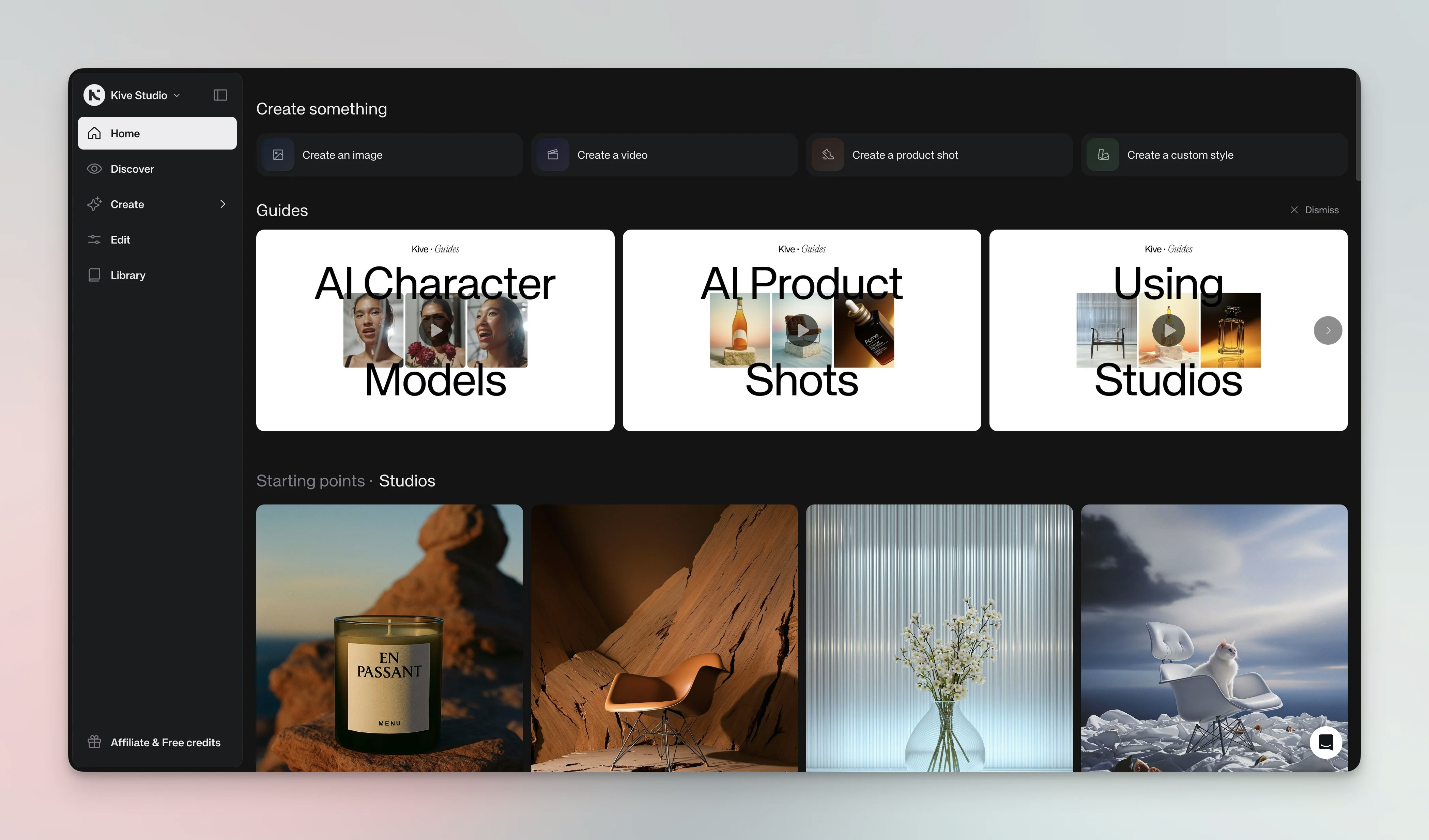
Create a Kive account to start generating images and videos. Signing up takes a few minutes and gives you a free workspace with starter credits. Invite teammates anytime and upgrade later if you need more features.
## Steps
1. **Go to kive.ai and click Get started.** Choose **Continue with Google**, **Continue with Apple**, or sign up with email and password. Accept the terms to create your account.
2. **Verify your email.** We’ll send a verification link; click it to activate your account.
3. **Complete your profile.** A short setup wizard personalizes your workspace:
* **Your profile:** Enter your first and last name and select where you heard about Kive. Optionally add a company or store name and a store URL — Kive can import your brand and products from the URL for a better starting experience.
* **Your work:** Choose what best describes your work — Brand or online store, Agency, Freelance creative, or Just exploring.
* **Categories (optional):** Pick the product categories that match your work.
* **Visual direction (optional):** Select a few looks that match your taste to tune your starting presets, then click **Finish setup**.
4. **Join a workspace (if available).** If your company email domain matches an existing Kive workspace, you're prompted to join it (or create your own) right after the profile step, skipping the remaining personalization steps.
5. **Select a plan (optional).** Start free or upgrade to Basic, Pro, or Enterprise for more credits and features.
 ## Tips
Tip: Verify your email — some features stay locked until you do.
Tip: If you plan to work with a team, invite colleagues from [Manage members](/account-workspace-settings/manage-members) after signup so everyone works in the same workspace.
Tip: You can switch plans anytime from **Settings → Subscription**.
Credits are only deducted when generating final images/videos or using editing
tools.
Unverified accounts show a banner reminder to verify your email. While you can
generate and edit immediately, verification is needed for downloads and team
features.
## See also
* [Plans, Credits & Pricing Guide](/account-workspace-settings/plans-and-credits)
* [Account Settings](/account-workspace-settings/account-settings)
* [Workspace Settings](/account-workspace-settings/workspace-settings)
## Tips
Tip: Verify your email — some features stay locked until you do.
Tip: If you plan to work with a team, invite colleagues from [Manage members](/account-workspace-settings/manage-members) after signup so everyone works in the same workspace.
Tip: You can switch plans anytime from **Settings → Subscription**.
Credits are only deducted when generating final images/videos or using editing
tools.
Unverified accounts show a banner reminder to verify your email. While you can
generate and edit immediately, verification is needed for downloads and team
features.
## See also
* [Plans, Credits & Pricing Guide](/account-workspace-settings/plans-and-credits)
* [Account Settings](/account-workspace-settings/account-settings)
* [Workspace Settings](/account-workspace-settings/workspace-settings)